You can revoke the shared link.
If you no longer want the quote to be accessible through the link, you can revoke it.
See how to describe the work, check your prices and deliver a finished version of your quote to the client.
Add the client and describe the tasks. Enter a quantity and price for each item: start with the information you have and fill in the rest later.
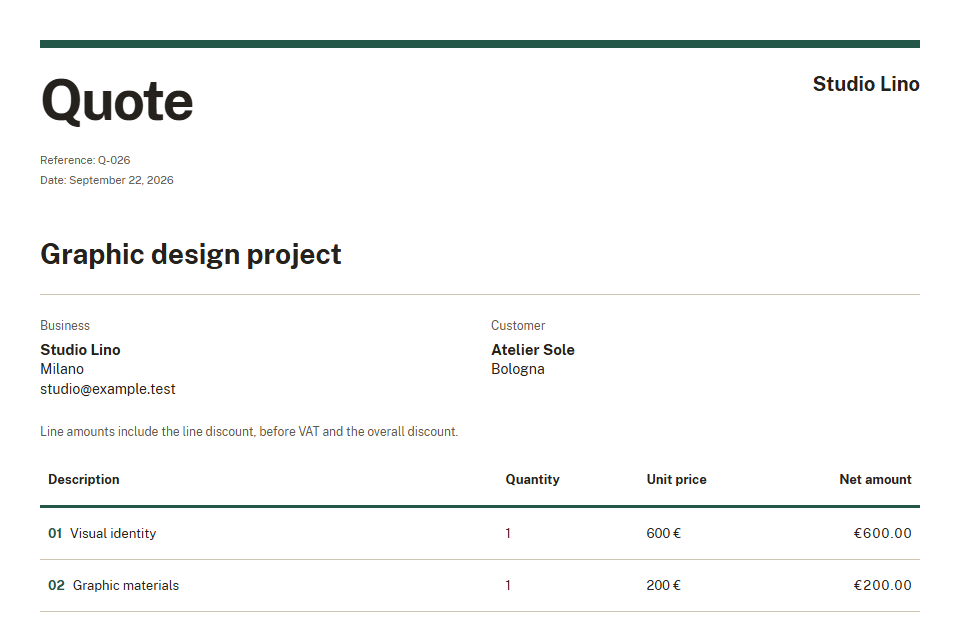
For maintenance work, separate labour from materials. For a graphic design project, describe the tasks included in your proposal.
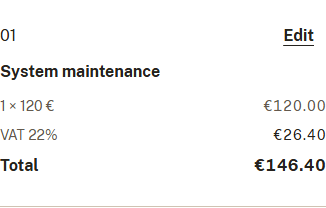
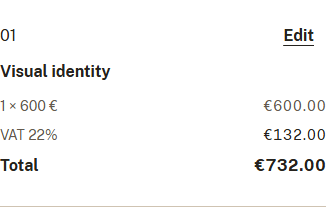
Review descriptions, configure discounts and VAT, and check the total. Choose your business logo and colour in Settings to personalise the document.
Before publishing, check the client, items and prices: the document should make your proposal clear.
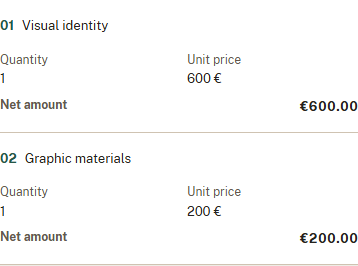
Publish the finished quote and send the link. Your client opens the document in their browser and can download the PDF without creating an account.
Share the link from your phone or computer. The images show examples with fictional data.
Changes save as you work. Return to your quote and refine it even after sharing it.
Draft changes are not immediately visible to the client. The shared proposal remains the published version.
When the new details are ready, update the published version: your client will see the updated document through the link.
The opening history helps you decide when to follow up with your client.
An opening does not prove that the quote was read in full or accepted.
If you no longer want the quote to be accessible through the link, you can revoke it.
Create your account and start your first draft.
Start for freeCreate your account. Quotisto is currently free.