For an on-site job
Add the first items on your phone during a site visit. Finish the draft once you have all the details.

System maintenanceLabour and materials
Prepare and share professional quotes for your business. Start on your phone or computer, finish the details and send your client a link with a downloadable PDF.
Create your account. Quotisto is currently free.
quotisto.
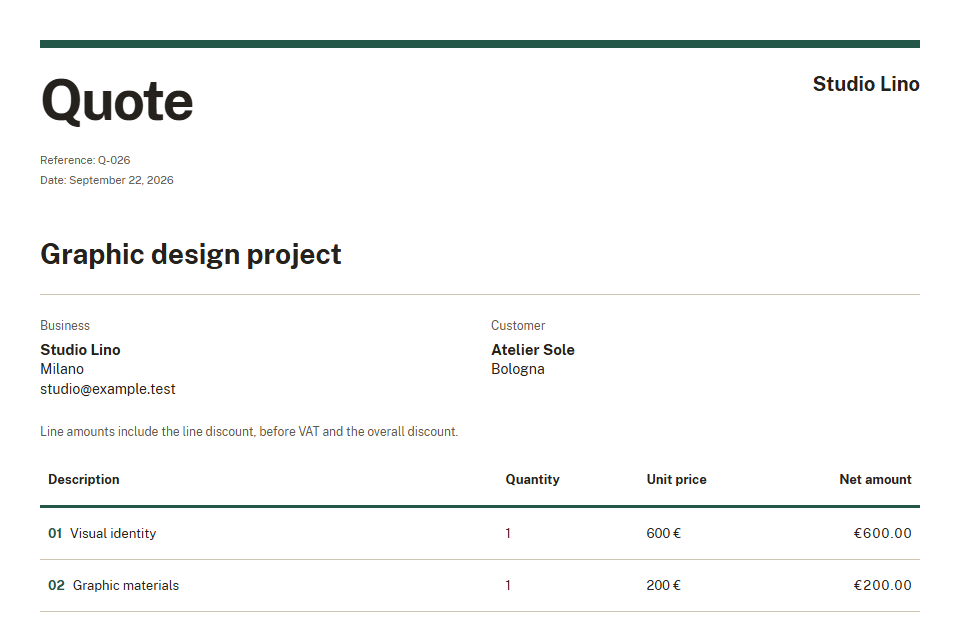
Graphic design project
Add your client, items and prices. You can start with an incomplete draft.
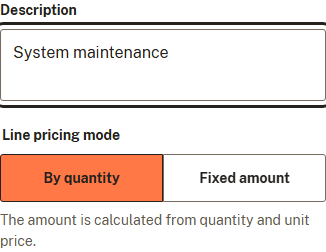
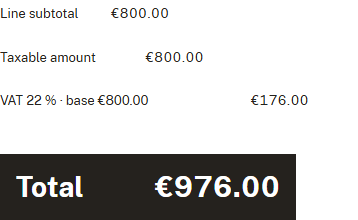
Return to your quote, add the missing information and set discounts and VAT.
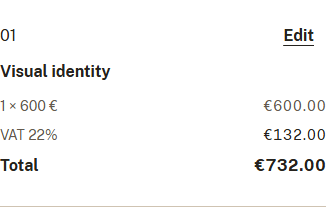
Publish the finished version and send the link. Your client can read it and download the PDF without an account.
Add the first items on your phone during a site visit. Finish the draft once you have all the details.
Describe the work and costs of your proposal on your computer. Return to it on your phone before sharing.

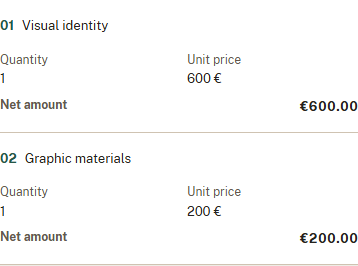
Descriptions, quantities and prices in a document with your business logo and colour. Your client can see the scope of work and the quote total.
Your draft is saved as you work. Keep refining it after publishing: your client sees changes when you update the shared version.
You can revoke the shared link.
The opening history helps you decide when to follow up with your client.
An opening does not prove that the quote was read in full or accepted.
Yes. Quotisto is currently free.
No. Quotisto works in your browser, on your phone or computer.
Yes. You can start an incomplete draft and return once you have all the details.
No. They can open the link you share and download the PDF.
Yes. You can set your business logo and colour in Settings.
No. Changes stay in your draft until you update the shared version.
Create your account and start your first draft.
Start for free